AI Reference to Video Generator for Stunning Video Creation

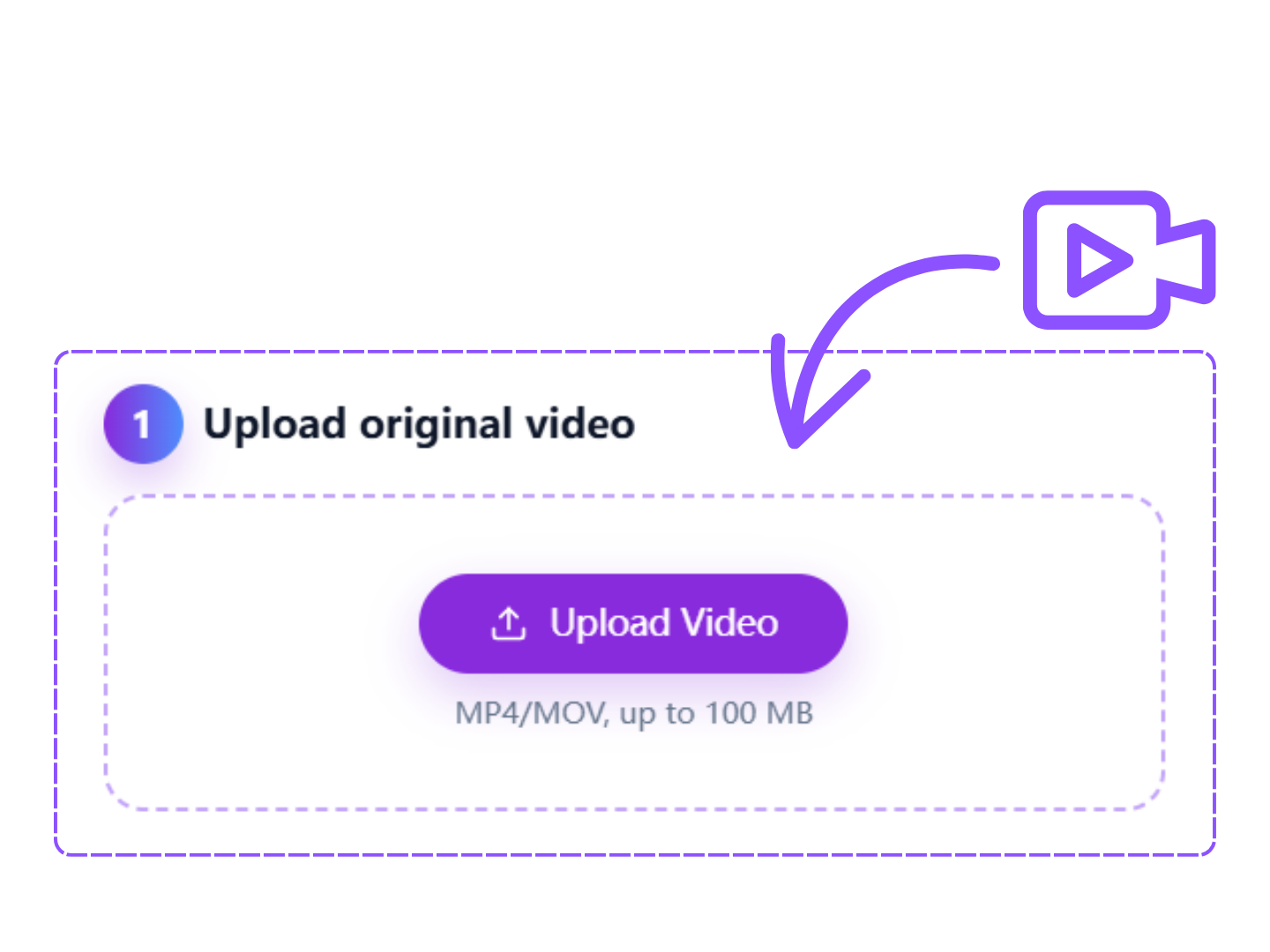
1 Upload original video
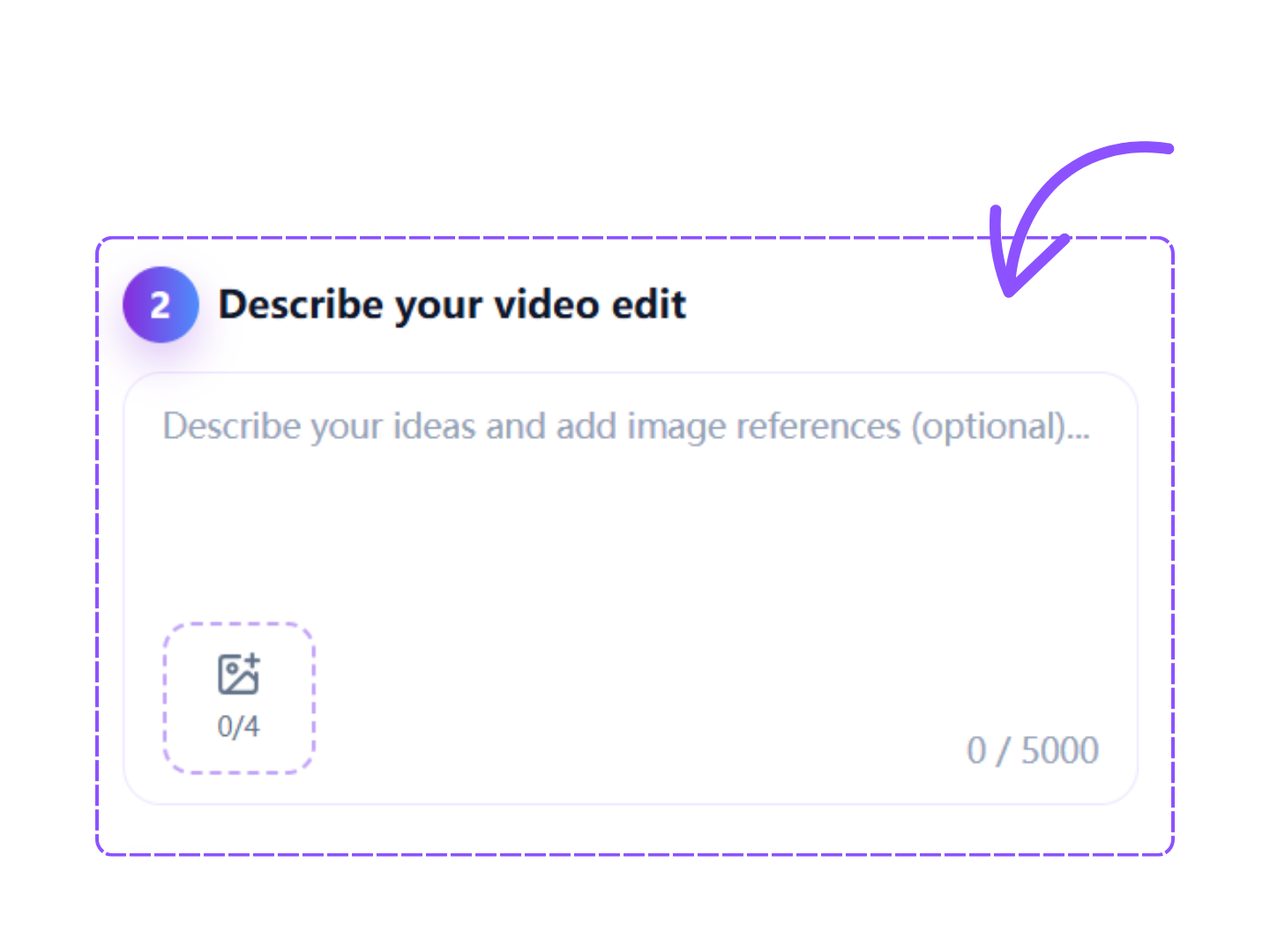
2 Describe your video edit
0 / 5000
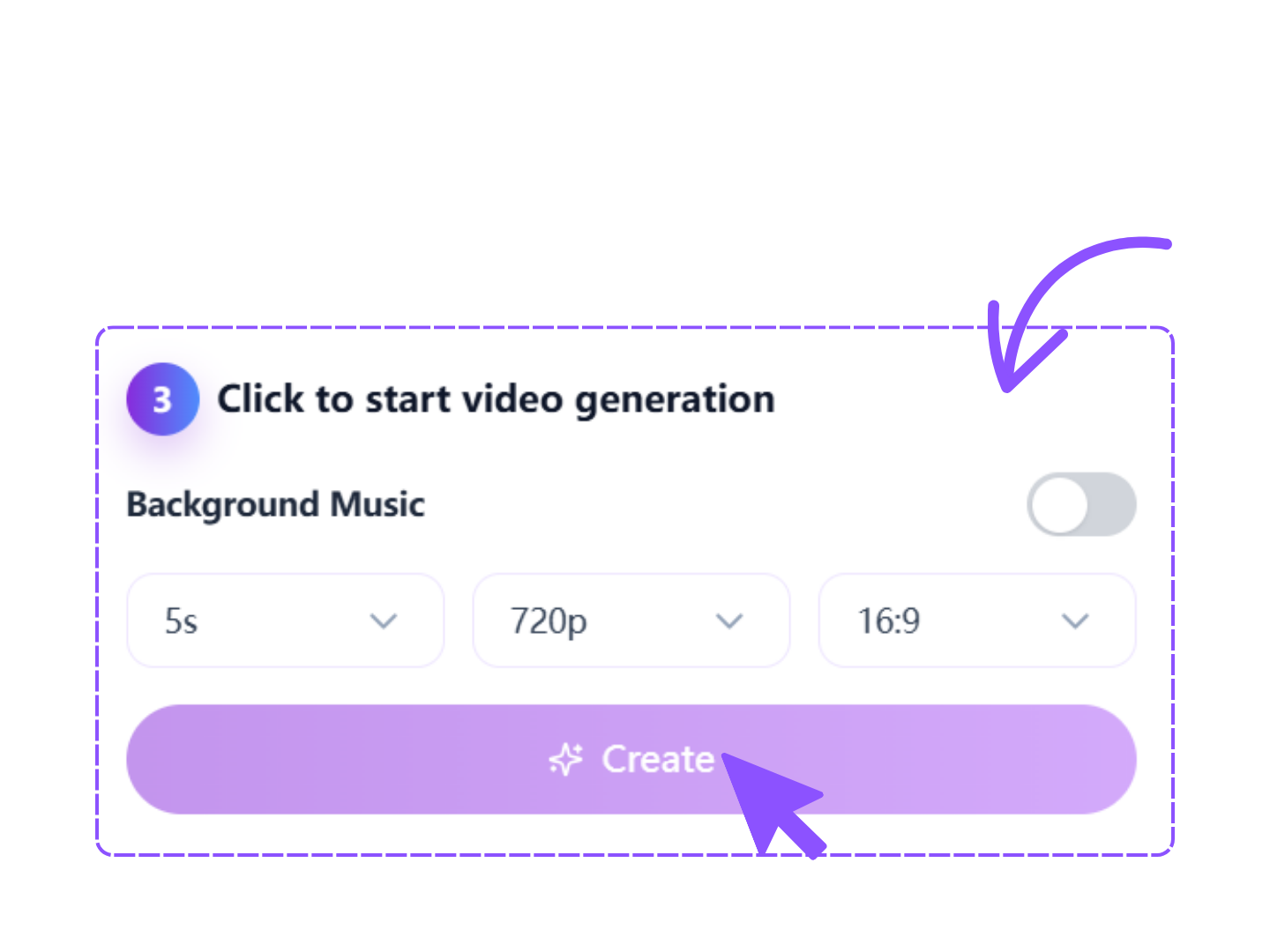
3 Click to start video generation
Background Music

Your transformed video will be displayed here

What Can You Create With AI Reference to Video Online

Explore powerful AI capabilities that transform static references into engaging videos.

AI Reference to Video Generator for Consistent Character Animation

The AI reference to video generator allows you to upload a character image, product photo, artwork, or visual concept and transform it into a dynamic video while preserving important details. Facial features, colors, styles, and object characteristics remain consistent across frames, helping creators generate professional results without complex editing software or animation skills.
Premium Feature

AI Reference to Video Online With Multiple Style Controls

Use AI reference to video online to create videos in various visual styles. Convert static references into cinematic scenes, realistic footage, artistic animations, commercial advertisements, or social media content. Flexible style controls help users customize motion, atmosphere, camera movement, and visual appearance to match specific creative goals and branding requirements.
Premium Feature

Advanced Reference to Video Tool for Motion Creation

The reference to video tool intelligently analyzes uploaded references and creates smooth natural motion. Characters can walk, turn, smile, interact, or perform actions while maintaining visual consistency. This eliminates the need for manual animation work and allows creators to generate professional-looking videos significantly faster than traditional production workflows.
Premium Feature

AI Reference to Video Generator With High-Quality Output

This AI reference to video generator produces high-resolution videos suitable for marketing campaigns, content creation, product promotion, educational materials, and social media publishing. Optimized AI models maintain image quality throughout generation while reducing artifacts, improving realism, and ensuring polished final results for various professional applications.
Premium Feature

Reference to Video Applications for Real-World Projects

From marketing campaigns to storytelling, discover practical ways to use AI video generation.

Bring Product Images Into Motion

Bring Product Images Into Motion

E-commerce brands can transform product photos into animated promotional videos. Reference to video Online helps showcase features, improve engagement, and create marketing materials that attract potential customers across multiple digital channels.


Turn Character Designs Into Stories

Turn Character Designs Into Stories

Artists and game creators can animate original characters using reference to video Online workflows. Static character concepts become dynamic visual stories that demonstrate personality, movement, and emotional expression without traditional animation costs.

Create Social Media Video Content

Create Social Media Video Content

Content creators use AI reference to video tool to transform reference images into eye-catching short videos. These videos help improve engagement, increase reach, and maintain consistent visual branding across social platforms.

Visualize Educational Concepts Fast

Visualize Educational Concepts Fast

Educators can convert diagrams, illustrations, and educational references into animated learning materials. Motion-based explanations improve understanding and make complex topics more engaging for students and online audiences.

Generate Creative Marketing Assets

Generate Creative Marketing Assets

Marketing teams use reference to video generator to create campaign visuals quickly. Reference images become professional promotional videos that support advertising, product launches, and brand storytelling initiatives.

Animate Concept Art Efficiently

Animate Concept Art Efficiently

Designers and creative professionals can animate sketches, concept art, and visual references into presentation-ready videos. This helps communicate ideas more effectively during client presentations and creative development processes.

Why Creators Prefer AISaver Reference to Video AI

Experience a reliable and efficient platform designed to simplify AI-powered video generation while maintaining professional-quality results.

Clean Interface Built For Speed

The platform features a streamlined workspace that minimizes complexity. Users can focus on creativity rather than technical settings, making video generation faster and more efficient for projects of all sizes.

Works Across Devices Easily

Create videos from desktop computers, laptops, tablets, and mobile devices. Flexible accessibility ensures users can start projects anywhere and continue working whenever inspiration strikes.

Secure Processing For Every Project

Uploaded references and generated videos are protected through secure workflows. Businesses, creators, and individuals can confidently create content while maintaining privacy and data protection standards.

Fast Generation With AI Models

Optimized infrastructure accelerates processing times and helps users generate videos quickly. Faster rendering supports efficient content production without sacrificing visual quality or consistency.

Professional Video Quality Output

Advanced AI systems preserve details, textures, and overall image quality throughout generation. The result is polished video content suitable for both personal and professional applications.

Beginner-Friendly Creative Workflow

No animation experience is required. Simple controls and intuitive design make it easy for first-time users to generate engaging videos from visual references with minimal learning effort.

How to Use Reference to Video Online in Three Simple Steps

Create professional videos from images and visual references using a straightforward workflow.

1
Upload Visual Reference

Upload Visual Reference

Upload a photo, illustration, character design, product image, or artwork. The AI analyzes important visual details and prepares the reference for video generation while maintaining consistency.

2
Describe Video Motion

Describe Video Motion

Enter a text prompt describing movements, actions, camera behavior, or visual style. Clear instructions help the AI understand how the reference should animate during generation.

3
Generate And Download

Generate And Download

Start generation and allow the AI to create your video automatically. Review the result, make adjustments if needed, and download the finished video for immediate use.

What Users Say About Our Reference to Video Tool

Creators worldwide use AISaver to transform ideas into dynamic videos with speed and consistency.

I needed a fast way to turn visual concepts into social media videos. The reference to video tool delivered surprisingly realistic motion while keeping my original designs consistent. It has become an essential part of my content workflow.

User Reviews of AISaver Reference to Video by Judy Carter

Judy Carter

Content Creator

United States

Our team regularly uses the AI reference to video generator for campaign materials. The quality is impressive, and the ability to create professional videos from simple reference images saves significant production time and budget.

User Reviews of AISaver Reference to Video by Lucas Meyer

Lucas Meyer

Marketing Manager

Germany

I tested several reference to video online platforms before finding AISaver. The results looked cleaner, motion felt more natural, and the interface was much easier to use. It's excellent for both creative exploration and client projects.

User Reviews of AISaver Reference to Video by Olivia Brown

Olivia Brown

Digital Designer

Australia

Frequently Asked Questions About Reference to Video

Find answers to common questions about creating videos from visual references.

AISaver Logo

Start Creating Videos With Reference to Video Now!

Transform images, artwork, products, and characters into engaging videos using advanced AI generation technology. Create professional-quality content faster with AISaver.

Start Creating Videos With Reference to Video Now